 Chamesle
A Linux desktop that just works.
Chamesle is a Linux distribution for everyday computers, based on Void Linux. It looks familiar, installs next to Windows, and runs the apps you already have.
Free · 64-bit PC · one 620 MB download · Xfce, MATE, Cinnamon, GNOME, KDE Plasma and more
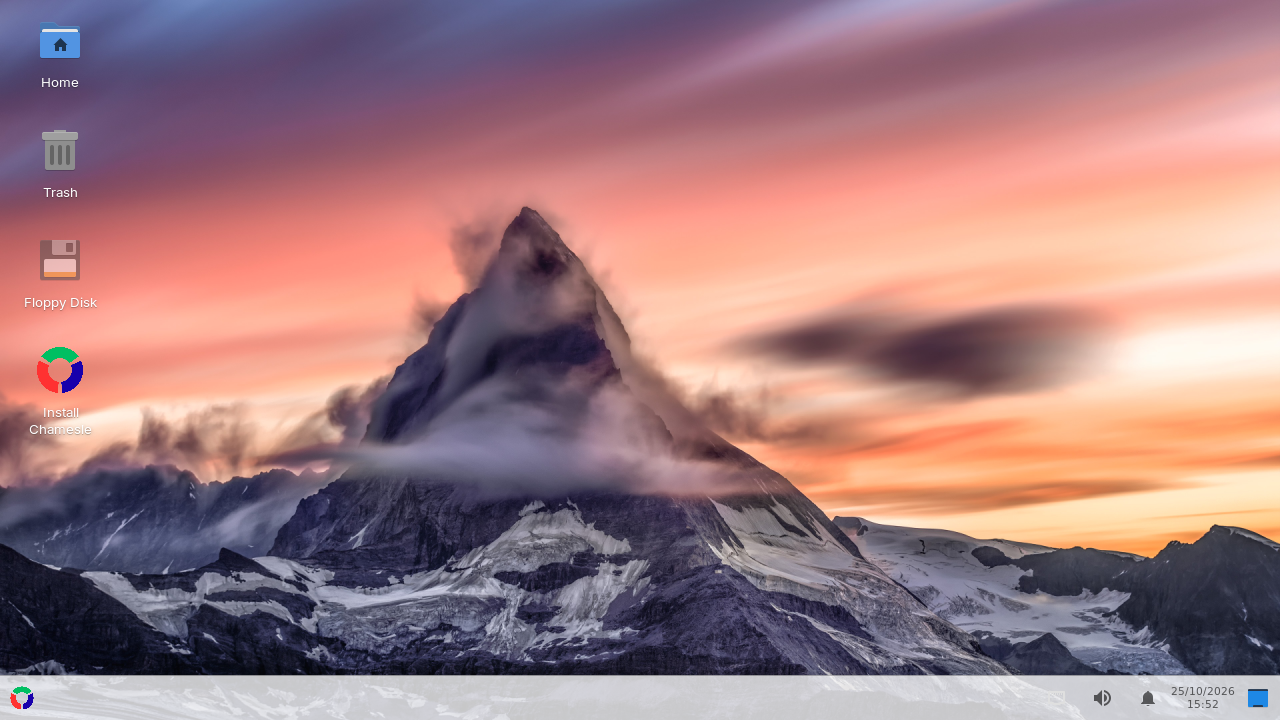
Everything you need, already there
Firefox, a file manager, printing, Bluetooth, Wi-Fi and the firmware most laptops need come installed. No account, no telemetry.
A familiar desktop
Start menu in the corner, taskbar along the bottom, clock on the right. The Windows key opens the menu. Or pick GNOME for something more modern.
Every kind of app
Flathub is set up out of the box. .deb and .rpm files install with a
double-click, and so do Windows .exe and .msi programs.
One store
The Chamesle Store puts Flathub and our own repo in one window: search, install, and update everything with one button.
Drivers handled
The Driver Manager finds hardware that works better with another driver, like NVIDIA cards and some Wi-Fi chips, and sets it up in one click.
Installs next to Windows
The installer can make room next to Windows so you choose at every start, or take the whole disk, with encryption if you want it.
Always up to date, carefully
Updates every week, held back until they've proven themselves, on a long-term support kernel. A small icon tells you when there's something new.
Pick your desktop
Same system underneath, different desktop on top. You pick one while you install, and you can always add another later.
Xfce
Light and quick, set up like Windows. The one to start with.
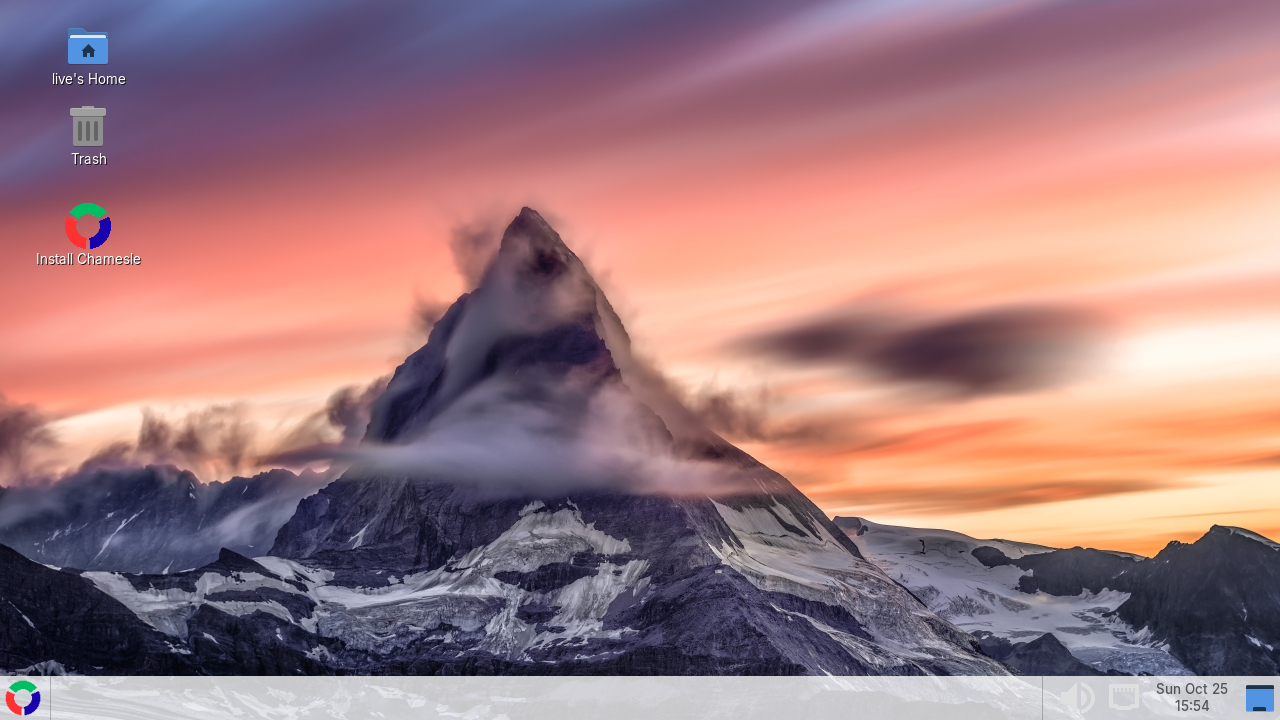
MATE
Very light and rock solid, for older machines.
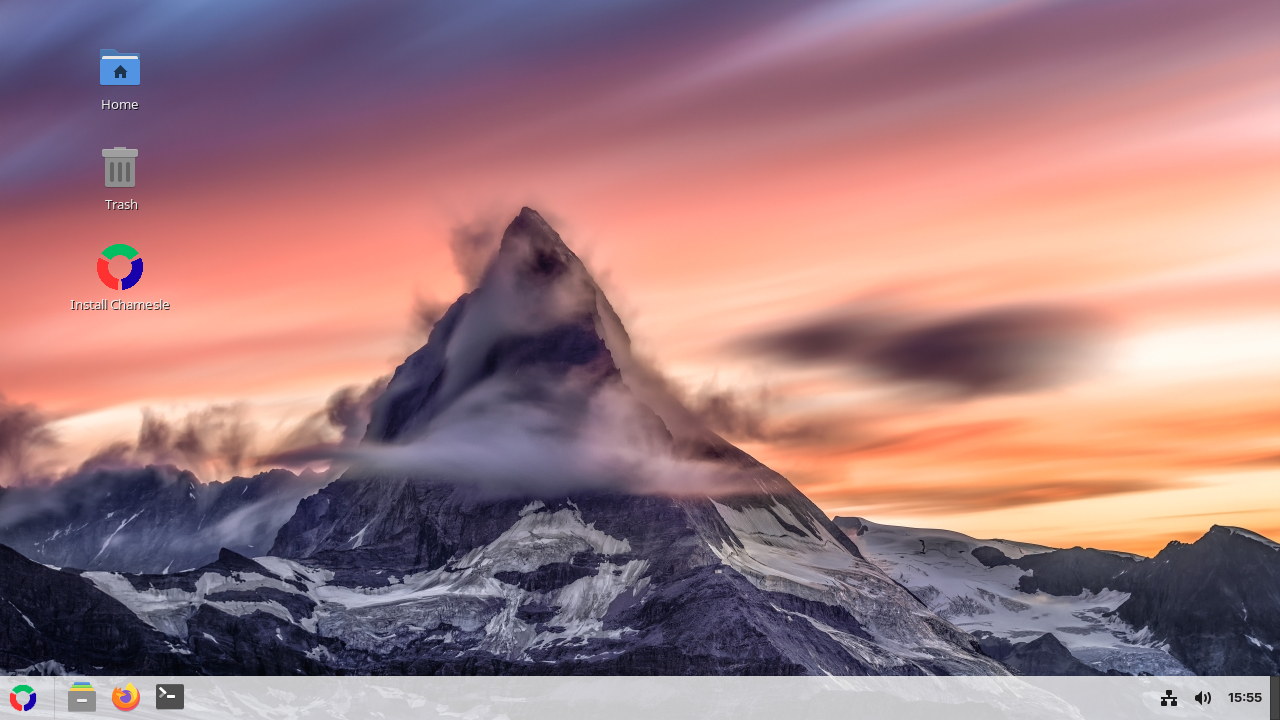
Cinnamon
Linux Mint's desktop, the most polished Windows-style one.
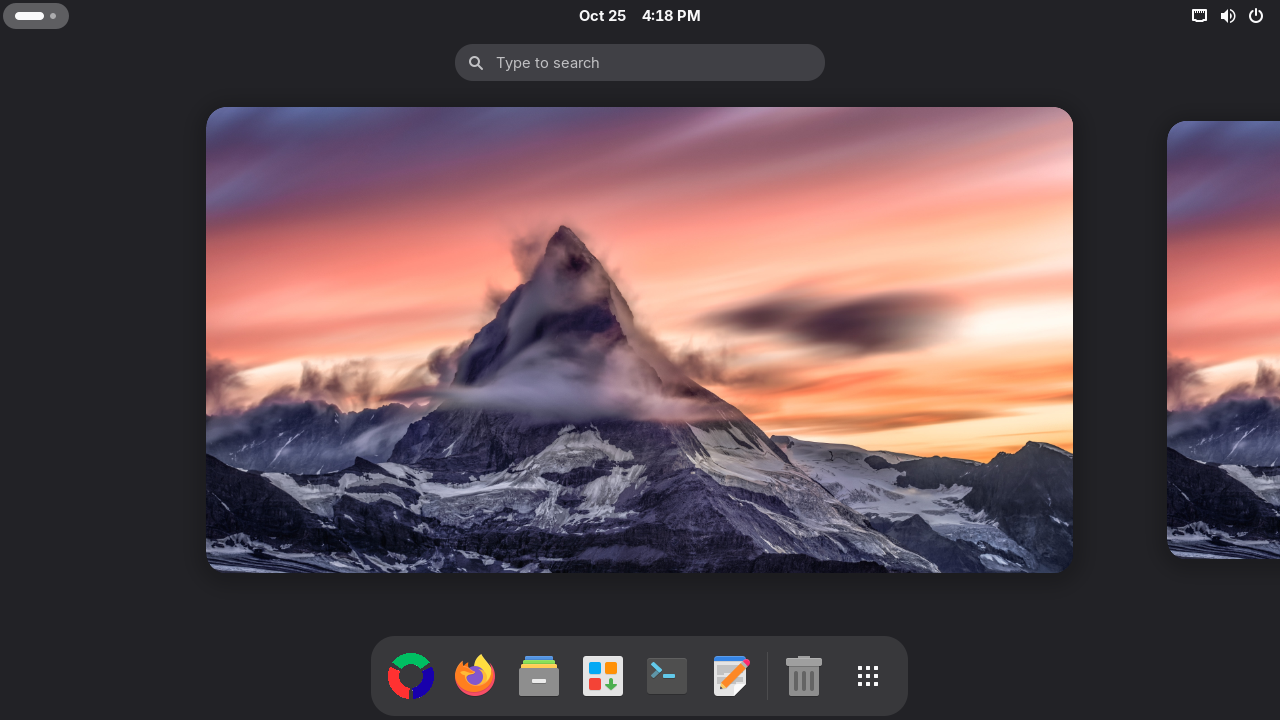
GNOME
Modern and clean, with an overview of your windows and a dock.
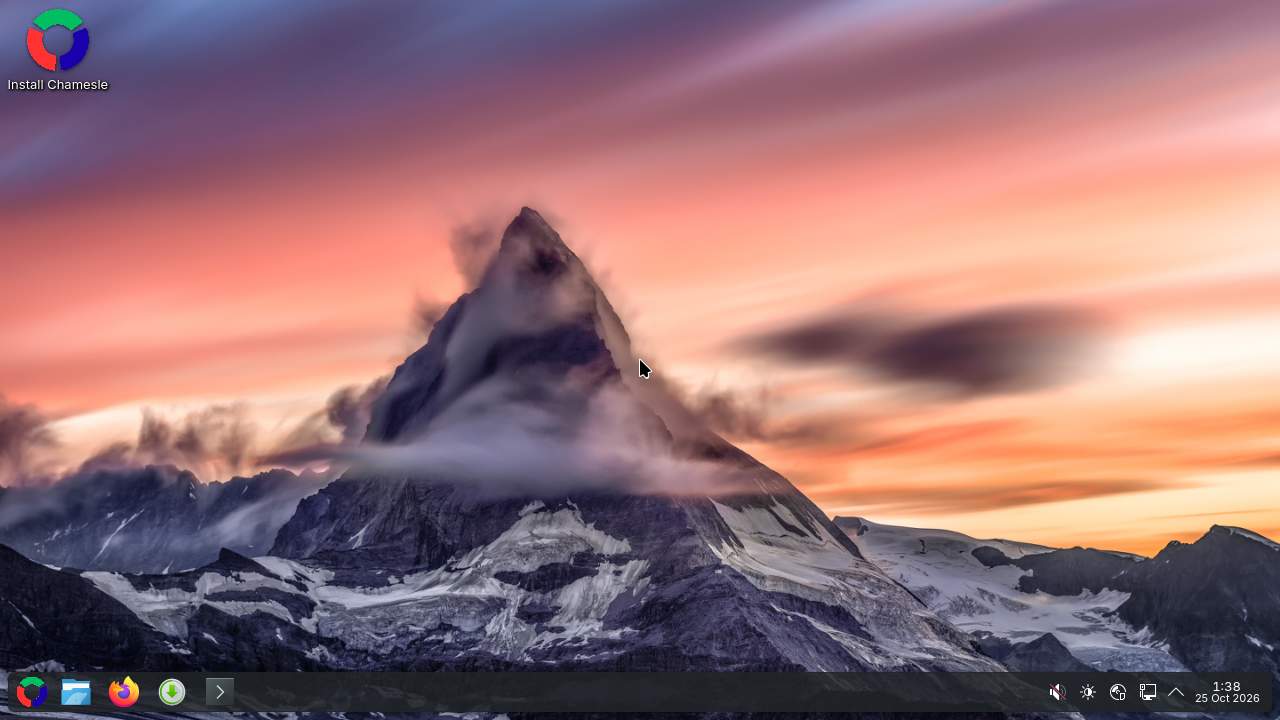
KDE Plasma
Familiar at first, and you can change almost anything about it.
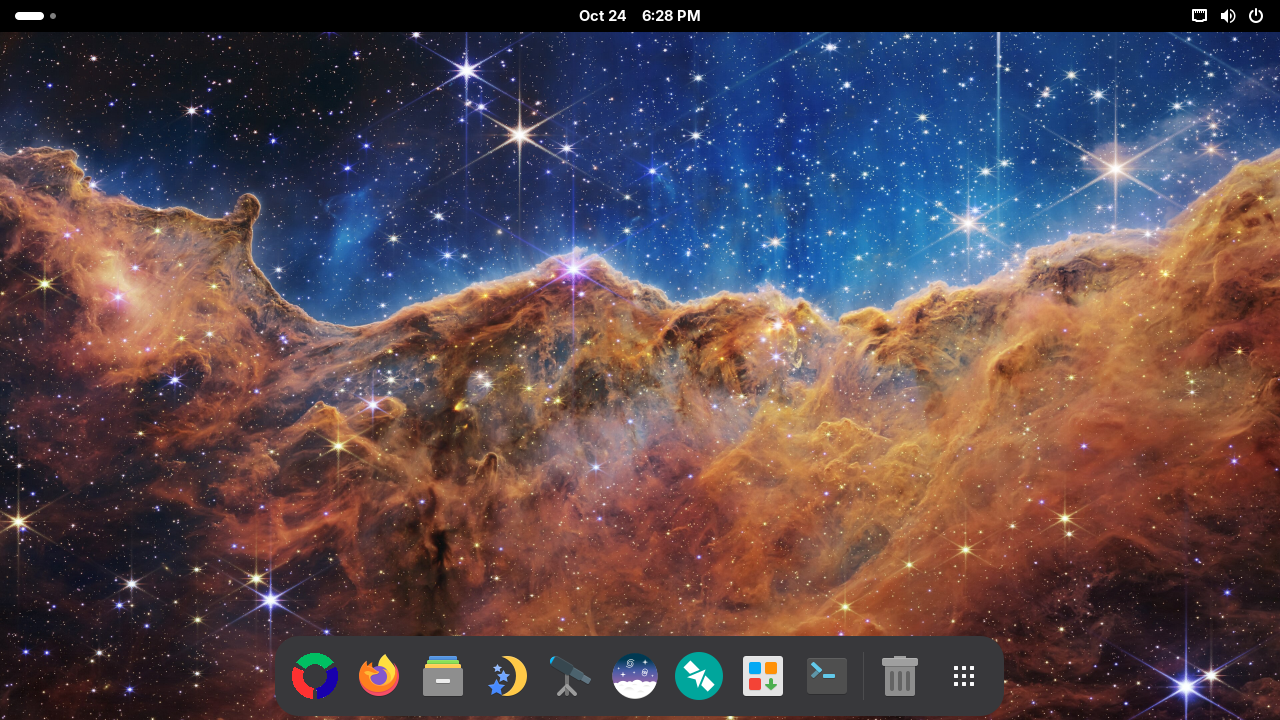
Astro
GNOME with the sky apps: Stellarium, KStars, Siril and Gpredict.
Under the hood
Chamesle starts from Void Linux's packages and builds its own system on top: its own repo, tools and defaults. If you like poking at things there's a full package manager underneath, but you never have to touch it.
- Latest release0.6.0 "Margit"
- Based onVoid Linux
- Packagesalmost 15,000, all signed
- Package managerapk
- Init systemdinit
- KernelLinux 6.18 LTS
- Updatesweekly, stable rolling
Answer a few questions, then it installs
Put Chamesle on a USB stick and start your computer from it. Jiggity asks everything up front, nothing changes on your disk until you say yes, and you restart into your new desktop.